
Nearly 80 percent of American e-commerce managers prioritize analytics integrations to drive smarter sales strategies. Connecting advanced platforms like Affinsy helps teams uncover hidden patterns in product performance and customer behavior. With direct API connections and seamless data imports, managers gain tools to identify product bundling opportunities and improve retention. This guide shows how structured analytics unlock actionable insights you need for competitive growth, whether managing regional American stores or global online businesses.
Table of Contents
- Step 1: Connect Affinsy to Your E-Commerce Platforms
- Step 2: Import and Prepare Your Historical Sales Data
- Step 3: Run Market Basket Analysis to Discover Product Patterns
- Step 4: Apply RFM Segmentation to Identify Key Customer Groups
- Step 5: Generate Reports and Validate Insights for Action
Quick Summary
| Key Insight | Explanation |
|---|---|
| 1. Connect Affinsy Easily | Log into your Affinsy dashboard and integrate it with e-commerce platforms like Shopify, WooCommerce, or Magento for streamlined analytics. |
| 2. Prepare Historical Sales Data | Gather and standardize sales data from all platforms to ensure accurate analytics and insights after importing into Affinsy. |
| 3. Utilize Market Basket Analysis | Analyze sales data to discover product relationships and enhance marketing strategies based on items frequently purchased together. |
| 4. Implement RFM Segmentation | Categorize customers based on Recency, Frequency, and Monetary value to tailor marketing strategies for different buyer segments. |
| 5. Generate Actionable Reports | Create visual reports from data analysis that highlight key metrics and provide recommendations for strategic decision-making. |
Step 1: Connect Affinsy to Your E-Commerce Platforms
Connecting Affinsy to your e-commerce platforms is a straightforward process that unlocks powerful analytics for your online store. The integration allows you to seamlessly import sales data and transform raw transaction information into actionable insights about customer behavior and product performance.
To begin, log into your Affinsy dashboard and navigate to the platform integration section. Most popular e-commerce systems like Shopify, WooCommerce, and Magento are supported through direct API connections. You will need your store’s administrative credentials to establish the link. Select your primary e-commerce platform and follow the authentication prompts. Ecommerce analytics fundamentals become much more accessible once you complete this initial setup.
After authentication, Affinsy will automatically start pulling your historical sales data. The platform typically requires 30-90 days of transaction history to generate meaningful insights. During this initial sync, you can customize which specific data points you want to track most closely sales volumes, customer segments, or product associations.
Pro tip: Before finalizing your integration, double check that all critical data sources are included to ensure comprehensive analytics coverage.
Here’s a comparison of popular e-commerce platforms supported by Affinsy and their integration benefits:
| Platform | Integration Type | Analytics Unlocked | Usability Strength |
|---|---|---|---|
| Shopify | Direct API | Real-time sales tracking | Very user-friendly |
| WooCommerce | Direct API | Customer segmentation | Highly customizable |
| Magento | Direct API | Product performance insights | Enterprise-level scalability |
Step 2: Import and Prepare Your Historical Sales Data
Importing and preparing your historical sales data is crucial for generating meaningful analytics insights. This step transforms raw transaction records into a structured format that enables precise performance analysis and strategic decision making.
Begin by gathering sales data from all your existing platforms. Historical data preparation involves collecting information from multiple sources like point of sale systems, customer relationship management platforms, and spreadsheet records. Compile these sources into a centralized location within Affinsy. Focus on ensuring data consistency by standardizing date formats, removing duplicate entries, and organizing information into clear time intervals that allow for accurate trend identification.
As you import your data, pay close attention to completeness and accuracy. Most e-commerce platforms require at least 90 days of historical transactions to generate meaningful insights. Verify that your imported data includes critical elements such as product identifiers, sale timestamps, customer details, and transaction values. This comprehensive approach will enable Affinsy to develop robust analytics that reveal hidden patterns in your sales performance.

Pro tip: Always maintain a backup of your original sales data before importing to protect against potential synchronization errors.
Step 3: Run Market Basket Analysis to Discover Product Patterns
Market Basket Analysis transforms your sales data into a powerful tool for understanding customer purchasing behaviors and uncovering hidden product relationships. This technique helps you identify which items are most frequently bought together, enabling smarter marketing strategies and more effective product recommendations.
Product association algorithms work by analyzing transaction data to reveal patterns that are not immediately obvious. Affinsy will help you generate association rules that show which products are commonly purchased in the same transaction. Look for items with high correlation coefficients these indicate strong purchasing relationships. For instance, you might discover that customers who buy running shoes often purchase athletic socks or water bottles in the same transaction.
To maximize the insights from your Market Basket Analysis, consider segmenting your data by different customer groups or time periods. This approach allows you to uncover nuanced purchasing patterns across various customer demographics. Pay attention to metrics like support (frequency of item combinations), confidence (likelihood of a second purchase after the first), and lift (how much more likely items are purchased together compared to random chance). These metrics will help you create more targeted marketing campaigns and optimize your product placement strategies.
Pro tip: Start with a small dataset and gradually expand your analysis to ensure you understand the complex relationships between your product offerings.
Here is a summary of key market basket analysis metrics and what they reveal:
| Metric | Definition | Business Insight |
|---|---|---|
| Support | Frequency of item combinations in orders | Identifies popular bundles |
| Confidence | Likelihood of purchasing items together | Reveals cross-sell potential |
| Lift | Likelihood versus random chance | Finds strong product relationships |
Step 4: Apply RFM Segmentation to Identify Key Customer Groups
RFM segmentation transforms your customer data into a strategic tool for understanding and targeting different buyer groups. By breaking down your customer base into meaningful segments, you can create more personalized marketing approaches and improve overall business performance.
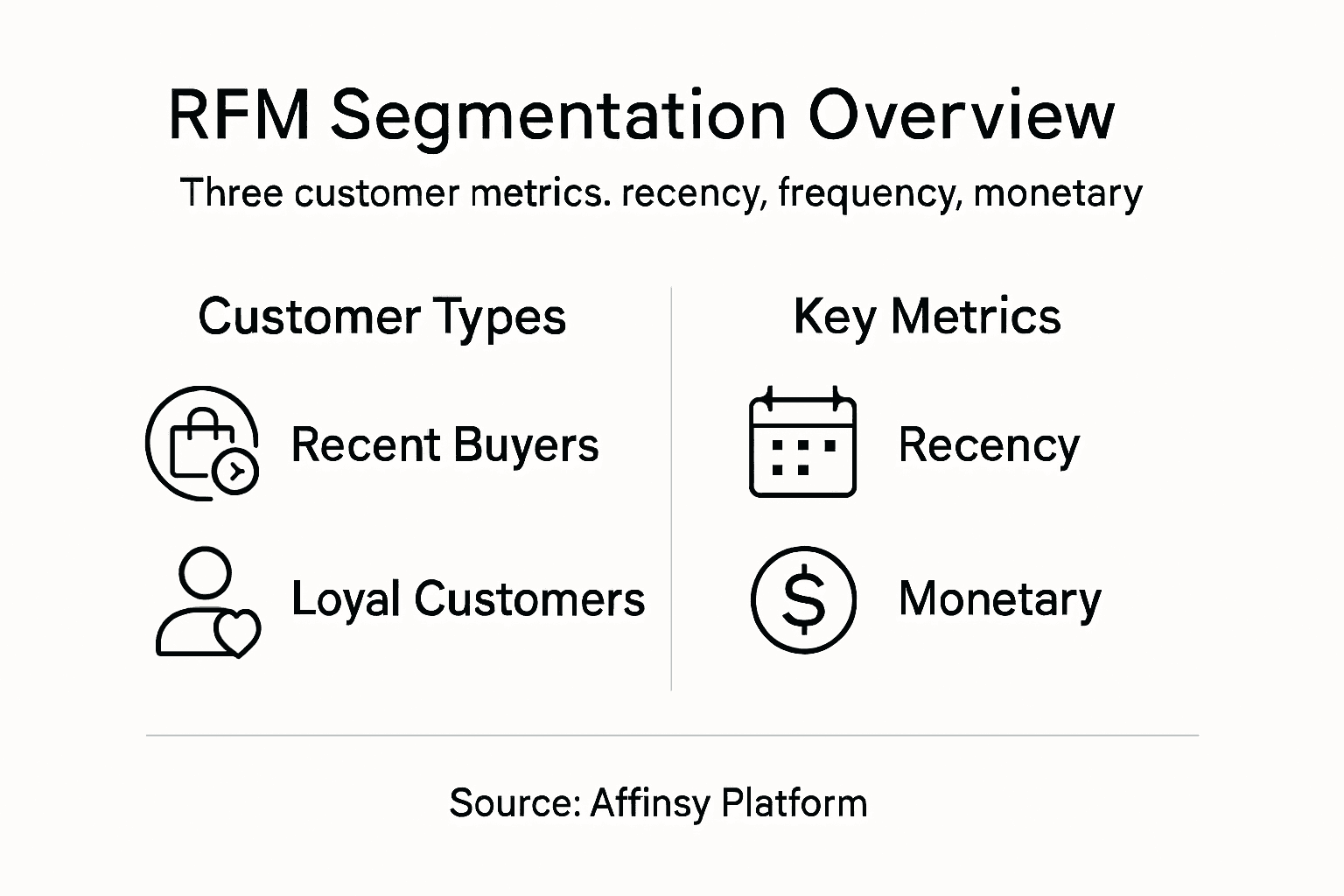
Customer behavior clustering allows you to categorize customers based on three critical dimensions: Recency (how recently they purchased), Frequency (how often they buy), and Monetary value (total spending). Affinsy automates this process by analyzing your transaction history and generating distinct customer segments. For example, you might identify high value customers who purchase frequently, versus occasional buyers with lower total spend. Each segment requires a unique engagement strategy to maximize retention and revenue.
To effectively implement RFM segmentation, assign scores to each dimension and then combine them to create comprehensive customer profiles. Typically, customers are ranked from 1 to 5 in each category, creating a comprehensive 125point segmentation model. Pay special attention to your top performing segments those customers who score high in all three dimensions represent your most valuable audience. Use these insights to develop targeted marketing campaigns, personalized product recommendations, and retention strategies that speak directly to each group’s specific purchasing behaviors.
Pro tip: Regularly update your RFM segments to capture evolving customer behaviors and maintain the accuracy of your marketing strategies.
Step 5: Generate Reports and Validate Insights for Action
Generating actionable reports transforms complex data analysis into strategic business intelligence. Affinsy helps you convert raw analytics into clear visualizations and comprehensive insights that drive meaningful decision making for your online store.
Data analysis reporting requires careful synthesis of statistical findings into compelling narratives. Your reports should highlight key performance indicators, unexpected trends, and specific recommendations for improving sales and customer engagement. Look for visualizations that showcase critical metrics like customer lifetime value, conversion rates, and product performance comparisons. Each section of your report should answer specific business questions and provide context for the data presented.
Validate your insights by cross-referencing multiple data sources and checking for statistical significance. Pay special attention to anomalies or counterintuitive findings that might reveal hidden opportunities. The goal is not just to create a report but to generate a roadmap for strategic improvements. Consider including recommended actions for each major insight, allowing your team to quickly understand and implement data driven strategies.
Pro tip: Always include a one-page executive summary that distills complex findings into clear, actionable recommendations for leadership.
Unlock Smarter Growth by Mastering Sales Data Analysis with Affinsy
If you are striving to turn complex sales data into clear customer insights and actionable product strategies the challenges of data integration market basket analysis and RFM segmentation can feel overwhelming. This article highlights the struggle to extract meaningful patterns from historical transaction records and how precise customer segmentation drives targeted marketing that maximizes retention and revenue. Harnessing the power of AI-powered analytics is essential for online retailers who want to uncover hidden product relationships and customer behaviors without needing a data science background.
Affinsy makes those crucial steps effortless by seamlessly connecting to your platforms like Shopify and WooCommerce while automating the entire analytics process. From preparing your historical sales data to delivering detailed reports on product bundling and customer segmentation you get clear visual insights designed to boost sales and increase average order value. This solution helps you transform raw data into a powerful roadmap for smarter cross-selling and retention strategies that build lasting customer loyalty.
Elevate your e-commerce performance with Affinsy today and take control of your store’s growth trajectory.
Discover how to integrate your store with Affinsy Connect Affinsy to E-Commerce Platforms and explore the benefits of market basket analysis alongside our comprehensive customer segmentation tools tailored for online retail success.
Ready to transform your sales data into real growth opportunities?
Experience how Affinsy blends powerful AI analytics with easy integration to help you unlock hidden insights now at https://affinsy.com. Start making data-driven decisions that grow your e-commerce business today.
Frequently Asked Questions
How do I connect Affinsy to my e-commerce platform?
To connect Affinsy to your e-commerce platform, log into the Affinsy dashboard and navigate to the platform integration section. Select your primary e-commerce platform, authenticate using your store’s administrative credentials, and follow the prompts to establish the link.
What historical sales data do I need to import for effective analysis?
Import at least 90 days of historical sales data for meaningful insights. Focus on critical elements like product identifiers, sale timestamps, customer details, and transaction values to facilitate accurate performance analysis.
How can I run Market Basket Analysis to understand customer purchasing patterns?
Run Market Basket Analysis by allowing Affinsy to analyze your transaction data for items frequently bought together. Look for high correlation coefficients to identify strong product relationships and adapt your marketing strategies accordingly.
What is RFM segmentation and how can it help my business?
RFM segmentation categorizes your customers based on Recency, Frequency, and Monetary value of their purchases. By analyzing these factors, you can create targeted marketing strategies tailored to different buyer groups, ultimately boosting retention and revenue.
How do I generate actionable reports from sales data insights?
Generate actionable reports by synthesizing key performance indicators and trends into visualizations that address specific business questions. Ensure to validate insights by cross-referencing data sources and include recommended actions to guide decision-making.
Recommended
- Sales Data Analysis: Unlocking E-Commerce Growth - Affinsy Blog | Affinsy
- Complete Guide to Sales Trend Analysis in E-commerce - Affinsy Blog | Affinsy
- Guide to E-Commerce Data Analysis for Increased Sales - Affinsy Blog | Affinsy
- Understanding Ecommerce Growth Strategies Guide - Affinsy Blog | Affinsy