
TL;DR:
- Manual CSV exports are suitable for early-stage stores and small volumes but become inefficient as data grows. API bulk exports, scheduled recurring exports, and webhooks are better suited for larger scale, complex data, and real-time operational needs. Combining these methods with a canonical data model ensures accurate, timely, and reliable ecommerce analytics.
Data export options for ecommerce fall into four main categories: manual CSV exports, API bulk operations, scheduled recurring exports, and event-driven webhooks. Each method serves a different store size, data volume, and integration need. Choosing the wrong method at the wrong stage creates brittle pipelines, missed analytics, and operational delays. This guide breaks down every major ecommerce data transfer method so you can match the right approach to your store’s actual requirements.

1. What are the main manual data export methods?
Manual exports are the starting point for most stores. You log into your platform dashboard, select a date range, and download a CSV file of orders, customers, or products. The process requires no technical setup and works on any platform that supports report generation.
The limitations show up fast as volume grows. Manual exports are prone to human error and create latency between when data is generated and when it reaches your analysis tools. A store processing hundreds of orders per day cannot rely on a weekly manual pull without losing analytical accuracy.
Common formats for manual exports include:
- CSV — the universal baseline, readable by every spreadsheet and analytics tool
- Excel (.xlsx) — useful for non-technical teams who need formatted reports
- XML — occasionally offered by older platforms for product catalog exports
Manual exports work well for early-stage stores, one-off audits, or feeding data into tools like Affinsy via CSV upload. Affinsy accepts CSV files directly, so even stores without developer resources can run market basket analysis and RFM customer segmentation on their transaction history.
Pro Tip: When exporting manually, always include order line items rather than order totals. Line-item data reveals which products sell together, which is the foundation of any meaningful basket analysis.
2. How do API bulk exports improve ecommerce data handling?
API bulk exports are the right tool when you need to move tens of thousands of records without hitting platform limits. Unlike standard REST API calls, bulk APIs process requests asynchronously. You submit a query, the platform compiles the dataset in the background, and you retrieve the result when it is ready.
Shopify’s Bulk Operations API is a well-documented example of this pattern. Bulk APIs handle large datasets far more efficiently than paginated REST calls, which require dozens of sequential requests to retrieve the same volume of data. The difference in processing time and reliability is significant at scale.
Format choices matter here. CSV is the baseline export format, but JSON and Parquet handle complex nested data far better. Multi-currency orders, multi-warehouse inventory, and orders with multiple discount codes all produce nested structures that flatten poorly into CSV. Parquet is particularly useful when you are loading data into a warehouse like Snowflake or BigQuery.
Key practices for API bulk exports:
- Respect rate limits. The Shopify REST API allows 2 requests per second with a burst bucket. Bulk APIs sidestep this constraint by design.
- Use asynchronous polling. Submit the job, then check for completion rather than holding an open connection.
- Validate schema on receipt. Platform updates can silently change field names or data types.
- Log every export run. Timestamps and record counts let you detect gaps in your data history.
Stores feeding data into Affinsy via API benefit from bulk exports directly. The platform’s API access tier accepts structured transaction data and runs association analysis without requiring a data science team on your end.
3. What are the benefits of scheduled recurring exports?
Scheduled recurring exports automate the data delivery process on a fixed cadence. Instead of triggering an export manually, you configure the system to push data to a destination at set intervals. Recurring exports can run up to 4 times per day, which covers most analytics refresh requirements without real-time infrastructure.
The most useful distinction in scheduled exports is between full and delta (incremental) exports. A full export sends your entire dataset every time. A delta export sends only records that changed since the last run. Delta exports return data changed in the previous 48 hours, which reduces processing load while keeping your analytics current.
Practical use cases for scheduled exports:
- Daily order feeds to a centralized data warehouse for revenue reporting
- Inventory snapshots sent to fulfillment partners every few hours
- Customer record updates pushed to a CRM or email platform nightly
- Historical data accumulation for trend analysis and seasonal planning
Scheduled exports also reduce data drift. When your analytics tool and your store platform fall out of sync, you get reports that contradict each other. A consistent automated feed prevents that problem before it starts.
Pro Tip: Always run a full export on the first setup, then switch to delta exports for ongoing syncs. This gives you a complete historical baseline without the processing overhead of full exports on every run.
ETL and ELT pipelines work naturally with scheduled exports. ETL/ELT patterns facilitate loading storefront, ERP, and marketing data into warehouses like Snowflake or BigQuery, where it becomes available for cross-system analysis. If you are building toward that kind of infrastructure, scheduled exports are the data source that feeds it.
4. How do event-driven webhooks enhance real-time data export?
Webhooks send data the moment a specific event occurs. A new order is placed, and your fulfillment system receives the payload within seconds. An inventory item drops below threshold, and your purchasing tool gets an alert. This is fundamentally different from any polling-based approach.
The operational advantage is responsiveness. Polling requires your system to ask “did anything change?” on a fixed schedule. Webhooks push the answer the instant something changes. Event-driven webhooks offer more stable real-time delivery than polling, and they avoid the rate limit problems that come with frequent API calls.
Webhooks work best for:
- Order confirmation and fulfillment triggers — send order data to your 3PL immediately
- Inventory updates — sync stock levels across sales channels without delay
- Customer account events — new registrations, subscription changes, cancellations
- Payment status changes — route failed payments to recovery workflows in real time
- Return and refund events — update financial records and restock inventory automatically
Setting up webhooks requires stable listener endpoints and a queuing system. If your listener goes down, you need a retry mechanism to catch missed events. Most platforms support configurable retry logic, but you have to build the receiving infrastructure on your end.
Webhooks complement bulk and scheduled exports rather than replacing them. Use webhooks for operational sync and scheduled exports for analytical data. The two methods serve different latency requirements and should run in parallel.
5. How to choose the best export method for your store
The right export method depends on four factors: store volume, data complexity, integration needs, and how much latency you can tolerate in your analytics. No single method covers every use case, and most mature stores use at least two.
Start with manual CSV exports if you are in early stages or running a low-volume store. They require no technical setup and work immediately. As order volume grows past a few hundred orders per month, the manual process becomes a bottleneck. That is the point to introduce scheduled recurring exports or API bulk operations.
Disparate ecommerce platforms provide data in incompatible formats that require translation layers before analysis. This is the most overlooked problem in ecommerce data integration. A canonical data model, one consistent schema that all your sources map into, prevents downstream errors in reporting and segmentation. Building that translation layer early saves significant rework later.
Choosing the right data integration strategy also means deciding which system holds the authoritative version of each data type. Your store platform owns order data. Your warehouse owns historical aggregates. Your CRM owns customer contact records. Defining a single system of record prevents conflicts when the same data exists in multiple places with different values.
A practical decision framework:
| Store stage | Recommended method | Primary format |
|---|---|---|
| Early stage, low volume | Manual CSV export | CSV |
| Growing store, regular analytics | Scheduled recurring exports | CSV or JSON |
| High volume, complex data | API bulk exports | JSON or Parquet |
| Operational sync required | Event-driven webhooks | JSON |
| Full analytics stack | Combination of all methods | Mixed |
Key Takeaways
The most effective approach to ecommerce data exports combines manual CSV for early-stage use, API bulk operations for scale, scheduled recurring exports for consistent analytics, and webhooks for real-time operational sync.
| Point | Details |
|---|---|
| Start with manual CSV | Low-volume stores can export and analyze data immediately without technical setup. |
| Scale with API bulk exports | Bulk APIs handle large datasets asynchronously, avoiding rate limit problems. |
| Automate with scheduled exports | Delta exports refresh analytics up to 4 times per day with minimal processing load. |
| Use webhooks for operations | Event-driven delivery eliminates polling delays for fulfillment and inventory sync. |
| Build a canonical data model | Translation layers prevent format conflicts when combining data from multiple platforms. |
Why I stopped treating data export as an afterthought
Most ecommerce teams treat data export as a technical detail someone else handles. That assumption is where analytics pipelines break down. I have seen stores with solid revenue numbers and completely unreliable reporting because nobody owned the export layer.
The most common mistake is skipping the canonical data model. You connect three platforms, each exporting JSON in a slightly different schema, and suddenly your order counts do not match across tools. Ignoring data transformation logic is the single most common cause of integration failures I have encountered. Building predictable translation layers early is not optional at scale.
The second mistake is treating all systems as equals. Your store platform is not the same kind of system as your warehouse. Analytics workflows benefit from one-way sync, while inventory management requires two-way event-driven integration. Mixing those patterns creates conflicts that are genuinely hard to debug.
My practical advice: automate your exports before you think you need to. The cost of setting up a scheduled export job is low. The cost of reconstructing six months of missing order history because your manual process lapsed is very high. Pick your system of record for each data type, document it, and build your export flows around that decision.
— Mateusz
Affinsy turns your exported data into store insights
Once your data export process is running, the next step is making that data work for your business. Affinsy connects to your transaction data via CSV upload, API, or MCP, and runs AI-powered analysis on your order history without requiring a data science team.
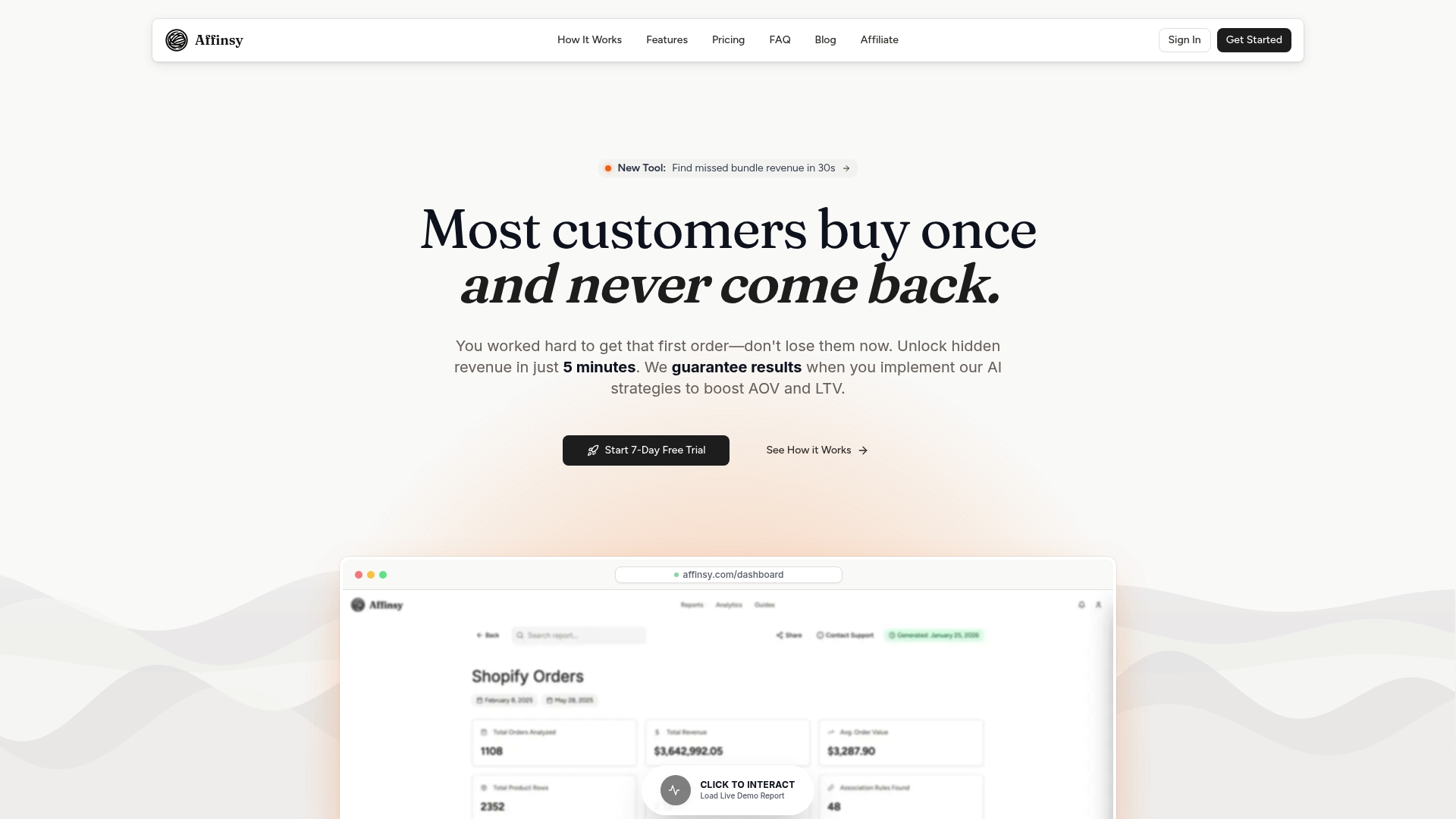
The platform’s market basket analysis identifies which products customers buy together, giving you a direct input for bundling and cross-sell decisions. Its customer segmentation tools use RFM scoring to separate your best customers from those at risk of churning. Affinsy’s free tier covers up to 20K line items with no credit card required, so you can run your first analysis on data you already have.
FAQ
What is the best export format for ecommerce data?
CSV is the most universally compatible format for basic exports. JSON and Parquet are better for complex nested data structures like multi-currency orders or multi-warehouse inventory.
How often should I export ecommerce data for analytics?
Scheduled exports running up to 4 times per day cover most analytics needs. Delta exports, which capture only records changed in the previous 48 hours, keep data current without heavy processing overhead.
What is the difference between a bulk API export and a webhook?
Bulk API exports pull large historical datasets asynchronously on demand. Webhooks push small payloads in real time when specific events occur, such as a new order or inventory change.
When should I switch from manual CSV exports to automated methods?
Switch to automated exports when manual pulls become a bottleneck or when data latency starts affecting your reporting accuracy. For most stores, that point arrives well before reaching a few hundred orders per month.
How does Affinsy connect to ecommerce platforms?
Affinsy does not integrate directly with store platforms. You export your order data from any platform, including Shopify, WooCommerce, BigCommerce, or Stripe, and upload it via CSV or connect through the Affinsy API.
Recommended
- Ecommerce bundle optimization: step-by-step guide for higher sales - Affinsy Blog | Affinsy
- Guide to E-Commerce Data Analysis for Increased Sales - Affinsy Blog | Affinsy
- Data Export in Ecommerce Analytics: Boost Store Insights - Affinsy Blog | Affinsy
- E Commerce Analysis Report Guide for 2025 Success - Affinsy Blog | Affinsy