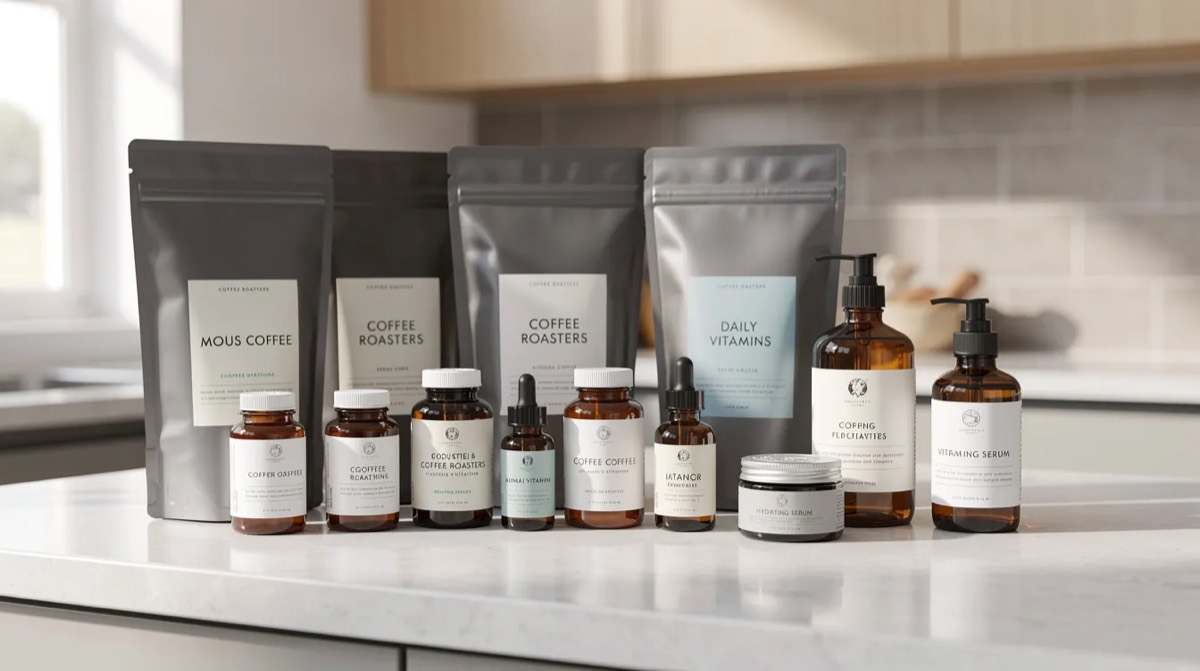
You sell a consumable: supplements, coffee, pet food, skincare, something people use up and need again. First-order numbers look fine. The repeat purchase rate tells a different story, and the post-purchase flows you set up months ago are not fixing it. The problem is usually not that you are not sending emails. It is that the replenishment email lands on the wrong day.
Key takeaways
-
A replenishment email is not a generic post-purchase email or a win-back. It is a reminder sent in the week a specific product usually runs out, before the customer solves the problem somewhere else.
-
The right send day is already in your order export, not in a flow template's 30-day default. You can calculate it per product in a spreadsheet.
-
Use the median and the 25th and 75th percentile of days between repeat purchases of the same product to set the first touch, the second touch and the exit rule.
-
Report replenishment revenue by comparing cohorts, not by counting every reorder that happened after an email.
What a replenishment email is, and how it differs from other post-purchase emails
A customer buys a 30-day supply of vitamin C. Day 31 passes. Day 40. Day 60. No second order. They did not churn because they disliked the product. They forgot, or they picked up a bottle at the supermarket because nobody reminded them.
A replenishment email is an automated reminder sent to existing customers of a consumable product at the moment they are likely running low, asking them to reorder the same product. It is about the second order, not the first.
That makes it different from two other flows:
-
Post-purchase emails (confirmation, shipping, how to use it, review request) are about the first order. They help the customer use what they bought. They do not ask for the next purchase.
-
Win-back emails fire months later, once a customer is clearly lapsed. By then they have found an alternative or stopped using the category.
Replenishment sits between the two. It catches the normal refill moment before the customer drifts, which is why it is one of the most direct ways to turn a first-time buyer into a repeat customer without annoying them: the message matches a real need.
Why timing is the whole game
A replenishment email works when it lands in the week the product actually runs out. A reminder two weeks early gets ignored. One a week late finds the customer already restocked elsewhere.
Consumption cycles vary far more than most flow templates assume:
-
A 30-day vitamin bottle runs out in about a month, but many people skip days and stretch it to 35 or 40.
-
A 5 kg bag of dog food lasts two to three weeks depending on the dog.
-
A facial serum can last 60 to 90 days.
-
A box of baby wipes can be gone in a week.
A flat 30-day delay across all of these is wrong for most of them. Too early and the customer thinks "I still have plenty" and files the sender under noise. Too late and they have solved it without you. The right timing is in the order history.
Find the reorder window from your own order export
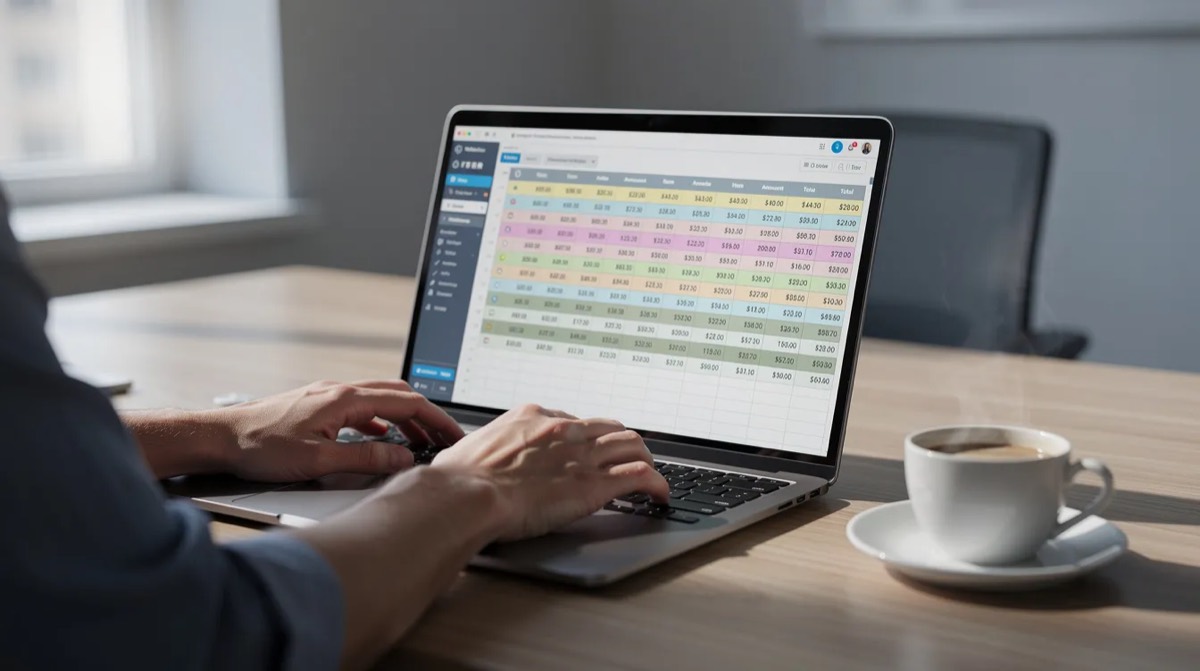
You can calculate the real replenishment timing for any product with a CSV and a spreadsheet.
Columns you need:
| Column | Why |
|---|---|
| Customer identifier (email or id) | To group orders by customer |
| Order date | To compute the gaps |
| Order id | To tell transactions apart |
| Product identifier (SKU or variant) | To isolate repeat purchases of the same product |
| Quantity | To adjust for multi-packs |
| Pack size or variant, if available | To separate a 30-day supply from a 90-day supply |
Steps:
-
Filter the export to one replenishable product, say your 60-capsule vitamin B bottle.
-
For each customer who bought it more than once, sort their orders by date.
-
Calculate the days between consecutive purchases of that product.
-
Put all of those gaps into one list.
-
Take the median, the 25th percentile and the 75th percentile.
Illustration, with round numbers: five repeat customers give you gaps of 26, 29, 31, 32 and 35 days. The median is 31. The 25th percentile is about 29. The 75th is about 33.
Your first replenishment email should go out a few days before the median, around day 27 or 28, so it reaches most customers shortly before they run out. Run this for your top five consumables and you will almost certainly find that each one has a different window.
Affinsy computes this reorder cadence for every product in the order history at once, and turns it into a list of customers who are due this week. The logic is exactly what you just did in the spreadsheet.
Turn the cadence into timing rules
Once you have the median and the quartiles, the rule set is short.
First touch: send at roughly 70 to 80 percent of the median gap. In the vitamin example, day 27 or 28. No discount. A timely reminder with one clear button. It should read like a service, not a pitch.
Second touch: if there is no reorder by the 75th percentile (day 33 to 36 here), send a second reminder. A more direct subject line, and optionally a small non-price incentive such as a shipping upgrade or a sample.
When to stop: if there is still no reorder by 1.5 to 2 times the median (roughly day 46 to 62 here), exit the customer from the replenishment flow. They are now lapsed. Move them into a win-back sequence with different messaging.
Pack sizes: a customer who buys a three-bag bundle of dog food with a 30-day single-bag cadence does not need a reminder on day 27. Their window is 75 to 85 days. Multiply the base cadence by the quantity or serving count. Ignoring this is the most common reason replenishment flows misfire.
Subscriptions: exclude active subscribers from replenishment reminders for that product. The timing logic still has value for them: if a subscriber's one-off top-up orders show they run out before the next shipment, that is a signal to offer a shorter interval or a larger size.
Subject lines that get opened
The recipient already knows the product. They do not need a pitch. They need a nudge.
-
"Running low on your 30-day vitamins?"
-
"Almost out of Luna's chicken kibble?"
-
"Your serum usually runs out this week"
-
"Time to refill your olive oil?"
Keep it short, name the product or category, hint at running low, and skip "Sale!" copy. Agencies can test two variants per category, one referencing running low and one referencing the routine, and keep whichever produces more reorders inside the window, not whichever gets more opens.
Five replenishment emails by scenario
Each is tied to a data signal. Adapt the copy to your voice.
1. Supplements: "about to run out." Sent on day 24 after a 30-day vitamin purchase. Subject: "Your vitamin C should be running low." One sentence about staying on track, a product image, a single "Reorder your 30-day supply" button. No discount on the first touch.
2. Pet food: "don't risk an empty bowl." Sent at the 25th percentile day, around day 17 after a 5 kg bag. Uses the pet's name if the store has it. Copy: "Luna's next bag should arrive before this one runs out." A secondary option to move up to the larger bag.
3. Coffee plus a companion product. Sent when the customer usually reorders beans, around day 21. Primary button: "Restock your beans." Below it, if the customer has never bought a grinder or filters, one cross-sell suggestion. If they already own it, leave it out.
4. Skincare routine top-up. A serum with a 60-day window. First touch on day 48 to 50. If the customer also bought the cleanser and moisturiser, lead with restocking the hero item and add "complete your routine" links underneath. If you use social proof here, use a number you can actually count from your orders.
5. Fast-cadence household goods. For products like wipes or cereal, trigger earlier for households that reorder faster than the median (the 25th percentile group) and later for the slow group. Short, on-brand copy, one button. The segmentation does the work.

Mistakes that break replenishment flows
-
Flat 30-day defaults for every SKU. The vitamin bottle, the dog food and the olive oil do not share a consumption cycle. Analyse per product.
-
Discounting on the first reminder. If customers reorder inside the normal window without one, a coupon just trains them to wait for it. Keep incentives for the second or third touch and for people who have drifted well past their window.
-
Emailing active subscribers. It confuses them, generates support tickets and erodes trust.
-
Ignoring quantity and pack size. A one-pack and a three-pack need different timing. Build variant-aware branches.
-
Never recalculating. New formulations, pack sizes and serving counts move the window. Re-run the analysis at least twice a year.
-
Failing to suppress after a reorder. A "running low" email that lands the day after someone restocked breaks the sense that you are paying attention. The flow must check for a recent purchase and exit the customer when they replenish.
Measure it and report it honestly
For agencies showing results to clients, the reporting matters as much as the flow.
| Metric | What it tells you |
|---|---|
| 90-day repeat rate, recipients versus a comparable earlier cohort | Whether the flow moves the number |
| Reorder capture rate | Share of second orders that landed within a few days of the reminder and near the product's median |
| Revenue per send | Efficiency |
| Unsubscribe rate | Whether timing or content is off |
Compare repeat purchase rates over 90 days between cohorts that had the replenishment flow active and older cohorts that did not. Count a reorder as influenced when it lands within a few days of the reminder and close to the median cadence. Do not claim credit for reorders that would have happened anyway. Open rate is a health check, not a result.
Running the analysis yourself
The minimum viable version, before you invest in any tool:
-
Export orders with customer id, order date, product SKU and quantity.
-
Filter to one replenishable item, ideally your best-selling consumable.
-
For every customer who bought it more than once, compute the days between each consecutive purchase.
-
Summarise: median, 25th percentile, 75th percentile.
-
Split by one-pack versus multi-pack buyers. Do the windows differ?
Quick health check: if most second orders for the vitamin bottle cluster between days 25 and 35, the reminder belongs in that range. If most reorders happen after day 60, the original timing assumption was wrong and you have been sending too early.
Repeat the exercise after any change to formulation, pack size or pricing so the flow stays aligned with real behaviour.
Next steps
-
The second order is not a mystery. The date is in your order export.
-
Start with one hero product. Calculate its window. Build a two-touch flow with clear subject lines. Measure the 90-day repeat rate against the previous cohort.
-
Once the first product proves out, extend to the rest of the consumables. The method is the same for every one of them.
If you would rather not run this by hand, the 48-hour analysis reads your order history, works out the reorder cadence for every product, and hands back the list of customers due this month. The purchase frequency numbers behind it are covered in our repeat purchase rate guide.
FAQ
How often should I review replenishment timing?
At least twice a year, and any time you change pack sizes, serving counts or formulation. If a new acquisition channel or a large promotion brings in a different kind of customer, check whether the median and the quartiles have shifted.
Which products suit replenishment emails?
Anything used up on a schedule: vitamins, protein, coffee, pet food, skincare, cleaning supplies, nappies and wipes. One-off or long-life items like furniture or electronics are better served by cross-sell than by a refill reminder.
How many replenishment emails per purchase cycle?
One or two, timed around the median and near the 75th percentile of the product's window. Do not send more than three for the same cycle. Beyond that it stops feeling like a service and starts to feel like a win-back.
Should every replenishment email include a discount?
No. The first touch should avoid discounts when the data shows customers reorder inside the window on their own. Save incentives for later touches and for customers well past their window.
How does this fit with existing post-purchase flows?
Replenishment follows the transactional and educational emails: confirmation, how to use it, review request. It is timed from the purchase date of the specific product, and it must end the moment the customer reorders so no touch in the program is out of step with where the customer actually is.