You sell consumable products that run out at very different speeds. A cleanser used morning and night can empty long before a night cream applied sparingly, and an SPF used every day may go faster still. If every skincare replenishment email in your catalog fires on the same fixed delay, most of them arrive at the wrong moment for most customers.
Key takeaways
-
One reminder delay for a whole skincare catalog is wrong for most products, because a cleanser, a serum, an SPF and a night cream all run out at their own pace.
-
Time each reorder reminder from your own customer data: the days between orders for customers who bought the same product more than once.
-
Use the median, check the spread, and trust it only with enough repeat buyers behind it.
-
Adjust for size, for the product's place in the routine, and for gift orders.
-
Send a short sequence: one reminder a few days before the typical reorder, one touch after it, and stop as soon as the customer reorders, buys a substitute or unsubscribes.
When should I send a skincare replenishment email?
Send the first skincare replenishment email a few days before customers usually reorder that exact product, based on your own order history, not on a delay that suits the catalog on average.
The question "when do customers run out of skincare" has no single answer. It depends on the product, the size and how often it gets used, and your orders already hold the answer.
-
The timing anchor is the median days between orders for customers who bought the same product more than once.
-
Send the first reminder a few days before that median, so the customer can reorder before the bottle is empty.
-
Plan a second reminder shortly after the median for customers who are running late.
-
Set the delay per product and per size, not per category.
For a skincare brand, this email is often the first message that asks existing customers for a second order, so its timing carries a lot of weight. A reminder that arrives when the customer is running low reads as helpful; the same email weeks early reads as noise. The general mechanics are covered in the replenishment email timing guide; this article applies them to a skincare catalog.
How do I find the reorder cycle for each skincare product?
Calculate the days between orders for each product among customers who bought it at least twice, then take the median as your reorder cycle.
From an order export on Shopify, WooCommerce or another ecommerce platform, you need: order ID, customer ID or email, order date, product or SKU, product name, quantity, and the size if it is not part of the SKU.
A spreadsheet method that works:
-
Filter for a single skincare SKU.
-
Sort by customer ID and order date.
-
For each customer who bought that product more than once, calculate the days between consecutive orders.
-
Take the median of those intervals. That is the reorder cycle for that SKU.
-
Note the spread: the range where the middle half of the intervals fall.
Only trust the number when a few dozen repeat buyers stand behind it. If a single SKU has too few, group it with close siblings, such as all sizes of the same cleanser converted to the standard size, or the same product in different scents.
The spread tells you how precise you can be: a tight spread means one well-placed reminder does the job, a wide one means two softer touches work better. The median matters because a few customers who return after a very long gap would drag an average far to the right; the purchase frequency guide explains why the average misleads.
Worked example: four skincare products, four reminder dates
Illustration with round numbers from a fictional skincare brand, not a benchmark and not a guide to how long any real product lasts.
The brand pulls 12 months of orders and keeps customers who bought each product at least twice. Its rule: first reminder 7 days before the median, second reminder 3 days after it.
| Product | Repeat buyers | Median days between orders | Middle half of intervals | First reminder | Second reminder |
|---|---|---|---|---|---|
| Cleanser, 150 ml | 120 | 50 | 45 to 60 days | Day 43 | Day 53 |
| Serum, 30 ml | 80 | 60 | 50 to 75 days | Day 53 | Day 63 |
| Daily SPF, 50 ml | 150 | 35 | 30 to 40 days | Day 28 | Day 38 |
| Night cream, 50 ml | 60 | 70 | 60 to 85 days | Day 63 | Day 73 |
That is four different delays instead of one generic rule. A single 45-day delay would reach the SPF buyer more than a week after their median and the night cream buyer more than three weeks early.
The spread matters too: the SPF interval is tight, so the first reminder catches most buyers, while the wide night cream interval makes the second touch matter more.
Size works the same way. In this store, the cleanser's 300 ml size shows a median of 90 days, so it gets its own reminder at day 83 rather than sharing the 150 ml timing.
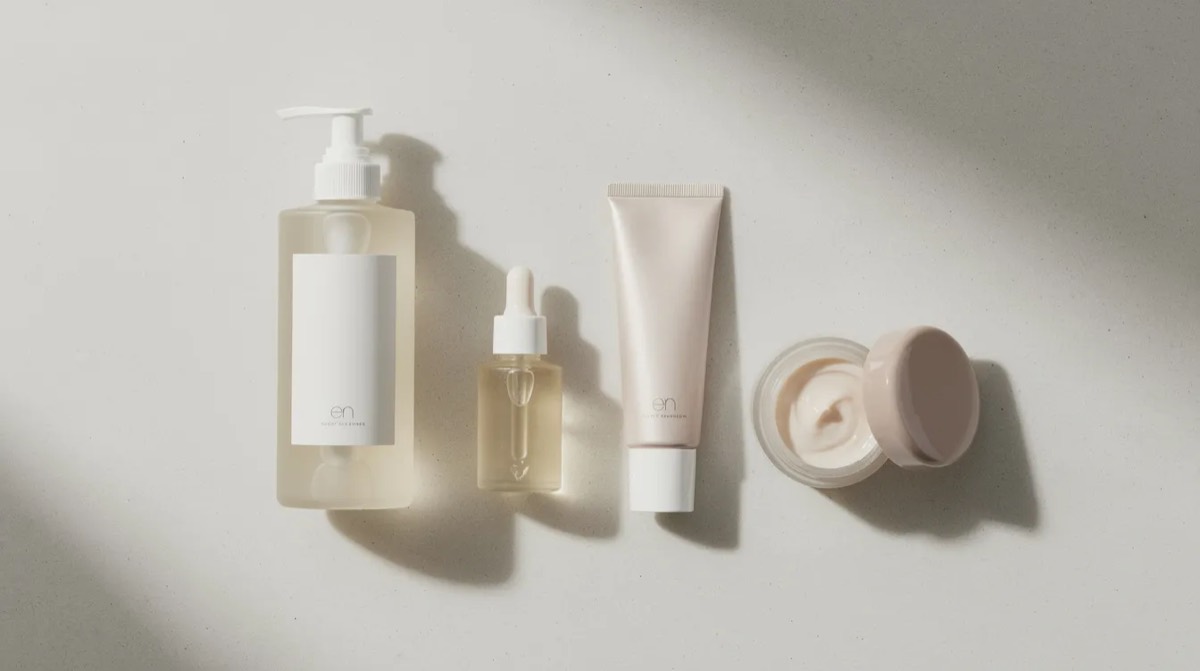
How should size, routine and gifting change skincare replenishment timing?
Larger sizes and products used less often need longer delays; daily steps and travel sizes need shorter ones. Keep gift orders out of the flow so nobody gets a refill nudge for a product they never used.
-
Size. The standard and large size of the same cleanser show different days between orders, so time them separately. Use the SKU, not the product name.
-
Place in the routine. Products used every morning and evening empty faster than products used a few times a week, such as masks or exfoliating toners. Do not copy the delay from one step of the routine to another.
-
Routine bundles. If a customer bought a full routine set, time the flow from the product that runs out first, and mention the others in the same email rather than sending one reminder per item.
-
Gift orders. Signs include different billing and shipping names, gift notes, gift wrap and orders placed just before the holidays. Exclude these buyers from reorder timing or give them a lighter post-purchase email.
What should a skincare replenishment email say?
Name the product, say where it fits in the routine, and give one easy way to reorder it. Keep it short.
-
Subject line. Good replenishment email subject lines name the product: "Running low on your serum?" or "Time to restock your daily SPF." A vague "We miss you" does not say why the email arrived today.
-
The routine step. One line on where the product fits in their skincare routine, such as "your morning serum, after cleansing", so the email feels like part of their routine rather than a sales push.
-
An easy reorder link. Link directly to the product page or a cart with the same product, size and shade already selected, with a clear button such as "Reorder my serum."
-
A clear product image, so the customer recognizes the bottle at a glance, and a short review quote as social proof if you have one.
-
One related product, at most. Add it only if your order data shows customers really buy it with this product, in the same basket or in a later order. Pairs that show up above chance, measured with support, confidence and lift, are worth suggesting. A long product gallery buries the reorder button.
Leave out claims about what the product does for the skin. The email's job is to keep the routine going.
How should the skincare replenishment email sequence work?
Two emails, then stop. The first goes a few days before the typical reorder date, the second just after it, and the customer leaves the flow as soon as they buy again.
-
Email 1 fires a set number of days before the product's median reorder date. Gentle tone, no discount: they are probably running low, here is the one-click way to reorder.
-
Email 2 goes after the median has passed with no reorder: a clearer nudge that they may already be out, and the place for the related product, if you include one.
-
Exit rules. The flow stops when the customer reorders the same product, buys a clear substitute in the same category, or unsubscribes. Each of these should suppress the rest of the cycle.
These replenishment emails come after the order confirmation, shipping updates, welcome emails and a usage email; the post-purchase email flow article lays out that earlier part.
When should I stop sending skincare replenishment reminders?
Stop once the customer has reordered, bought a close substitute, ignored both reminders, or gone quiet for long enough that a win-back email fits better than a refill nudge.
-
Cap the reminders per cycle. Two per product cycle is enough. Then pause until the next qualifying order.
-
Watch for opens without orders. These customers may simply use the product more slowly. Check their timing before you send again.
-
Hand over to win-back. Customers well past the second reminder belong in a different flow. The win-back email timing guide covers when to start it.
-
Avoid stacking. Several reminders for different products in the same week wear out the inbox, even for repeat customers. Merge them into one email or space them out.
Using your own order data to improve replenishment emails
Take timing from your store's own orders and customer data: no outside rule knows your sizes or your customers' routines. Once the flows run, check them against the orders:
-
Recompute the median days between orders per product every few months, and after you change sizes or formulas.
-
Compare the second-order rate of customers who got the reminders with those who bought before the flow existed, at the same age.
-
Test the delay on one high-volume product, such as your cleanser, by moving the first reminder a few days, before changing the rest of the catalog.
For a catalog with dozens of SKUs, the spreadsheet gets slow. Affinsy reads an order export and shows the typical days between orders for each product, plus a list of customers due to reorder that you export and load into your email tool yourself. Affinsy also gives the flow steps (trigger, wait, skip rules) to copy into Klaviyo, Mailchimp or Omnisend when you set up the flow by hand.
Next steps
-
Pick one product to start with. Your best-selling cleanser or SPF is a good choice.
-
Calculate its median days between orders and the spread from past orders, using the spreadsheet method above.
-
Set up the two-email sequence in your email marketing tool, with the exit rules.
-
After a few cycles, compare how many first-time buyers placed a second order with before, then add the next product.
If you would rather have the reorder windows for every product and the list of customers due to reorder worked out for you, the 48-hour analysis delivers them from your own skincare orders.
FAQ
Should I include a discount in a skincare replenishment email?
No. Leave the discount code out of the first reminder. A customer who is running low needs a reminder and an easy link, not a reason. A discount on every reminder teaches customers to wait for it. If you test an incentive, offer it in the second touch to customers who are already late, and keep a hold-out group without it so you can see whether it created orders.
How many skincare products should get their own reminder?
Start with a few best-sellers that run out on a regular rhythm, such as cleanser, serum, SPF and moisturizer. Add more once those work, and check that no customer gets overlapping reminders for several products in the same week.
What about products used irregularly, like masks or peels?
Check the spread first. If the days between orders vary widely, a softer check-in or a seasonal reminder works better than a fixed countdown. If very few customers buy the product twice, it may not need a replenishment flow at all.
Can agencies run replenishment emails as a service for skincare clients?
Yes, and it makes a good recurring deliverable: compute the reorder windows per product from the client's orders, build the flows, then report each month on second orders, repeat purchases from existing customers, and how many customers due to reorder actually did. It ties email marketing work directly to customer retention.